Order management
See new and active orders centrally, with the information needed to move each one forward.
Sirvora gives restaurant teams a connected path from order capture and payment visibility to cashier, kitchen, preparation, floor service and fulfilment.
Operational path
Order → Cashier → Kitchen → Ready → Dine-in, pickup or delivery
Each role sees the stage it needs without losing the context of the original order.
See new and active orders centrally, with the information needed to move each one forward.
Review the order and payment state, confirm payment where required and release work to preparation.
Give the kitchen a live view of tickets, items and preparation status.
Track the order from accepted work through preparation and readiness.
Connect dine-in orders with table setup and the floor workflow serving the guest.
Complete orders through dine-in service, pickup or delivery.
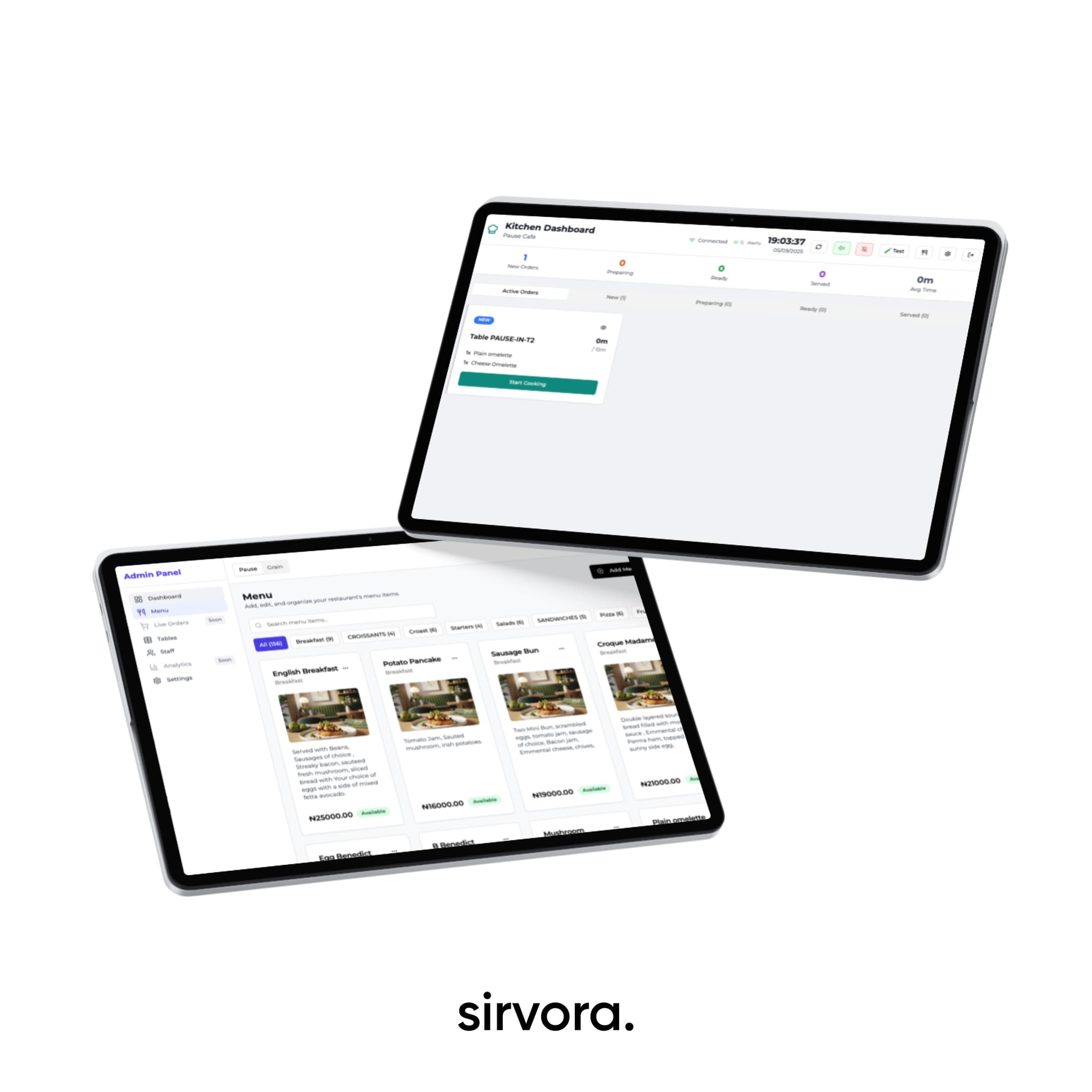
The kitchen display receives the work that has been accepted, shows the items to prepare and lets the team move the order through preparation status. Item availability can be controlled so the menu reflects what the operation can fulfil.
Front of house
Set up tables, support QR ordering and give the floor a workflow that connects the guest's order with cashier and kitchen activity.
Back office
Manage menus, staff roles, store settings and the operational choices that shape how orders move through the business.
Walk us through order capture, cashier, kitchen, floor and fulfilment. We will show the relevant operational flow.